
AI picture maker
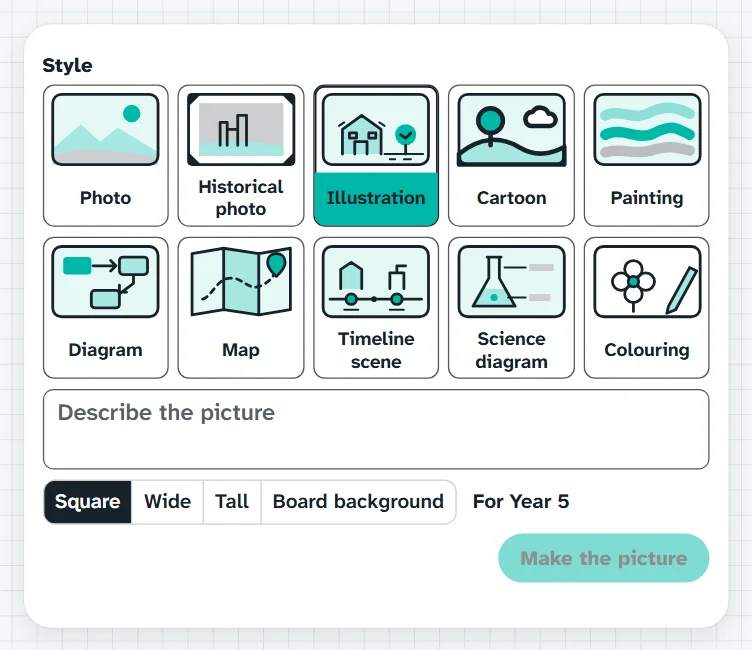
Type a description of the picture you need, pick one of ten styles and a shape, and press Make the picture. Check it before the class sees it; it is kept in My pictures.
This picture came from one sentence I typed. Guess what the sentence was.What it sounds like in the room
Three ways teachers use it
- Writing prompt in Year 3: type 'a wombat driving a school bus', cartoon style, and check it first.
- Term 1 space unit: a starry sky made in the Board background shape to sit behind the board.
- Year 9 history: describe a scene from the unit and have the class find what it gets wrong.
Goes well beside
Before you ask
Do students need a login or a device?
No. It runs on your screen at the front of the room. Students never sign in to anything.
What does it run on?
A web page in Chrome or Edge, on an interactive panel, a projector from your laptop, or a TV on a trolley. There is nothing to install.
Teachers also look for this as: AI picture maker for teachers, make a picture for a lesson, writing prompt pictures, custom classroom background picture.