
Classroom timer
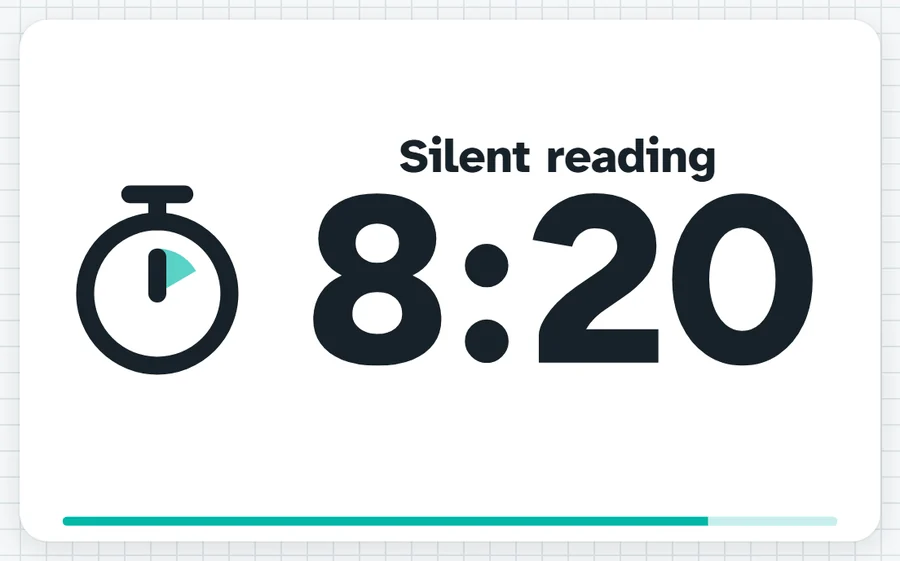
A countdown the whole room can read, with a label and a bar that shrinks as time goes. One press for 1, 2, 5, 10, 15 or 20 minutes, and a chime at zero.
Ten minutes on the clock. When you hear the chime, pens down and eyes up.What it sounds like in the room
Three ways teachers use it
- Silent reading after lunch: ten minutes up, labelled, while I hear readers at my desk.
- Pack-up after a Year 9 prac: twelve minutes, and I press plus if the glassware is still out.
- PE circuits: set work and rest as intervals, tick Repeat, and leave it running at the side.
Goes well beside
Before you ask
Do students need a login or a device?
No. It runs on your screen at the front of the room. Students never sign in to anything.
What does it run on?
A web page in Chrome or Edge, on an interactive panel, a projector from your laptop, or a TV on a trolley. There is nothing to install.
Teachers also look for this as: classroom timer, countdown timer for class, online timer for teachers, interval timer for PE.