
Classroom quiz maker
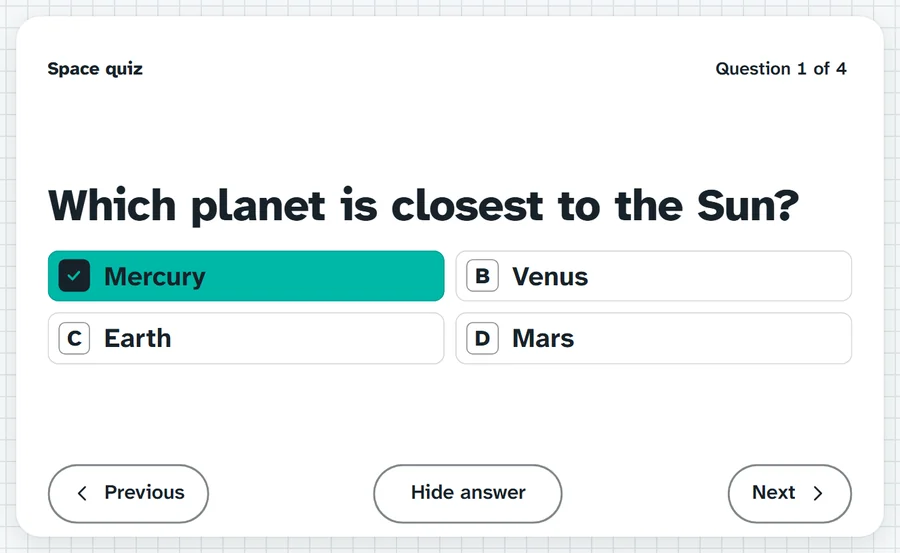
One question at a time, big enough for the back row: multiple choice, true or false or short answer. Type your questions, or type a topic, let AI draft them and check each one.
Answers on your whiteboards. Hold them up on three, then I'll reveal.What it sounds like in the room
Three ways teachers use it
- Start of a Year 9 lesson: five recall questions from last week as the do now.
- End of a space unit in Year 5: a quiz round with two teams and the name wheel.
- After a story in Year 2: true or false questions, thumbs up or down before the reveal.
Goes well beside
Before you ask
Do students need a login or a device?
No. It runs on your screen at the front of the room. Students never sign in to anything.
What does it run on?
A web page in Chrome or Edge, on an interactive panel, a projector from your laptop, or a TV on a trolley. There is nothing to install.
Teachers also look for this as: classroom quiz maker, quiz for the interactive whiteboard, multiple choice quiz for class, revision quiz for students.