
Classroom clock
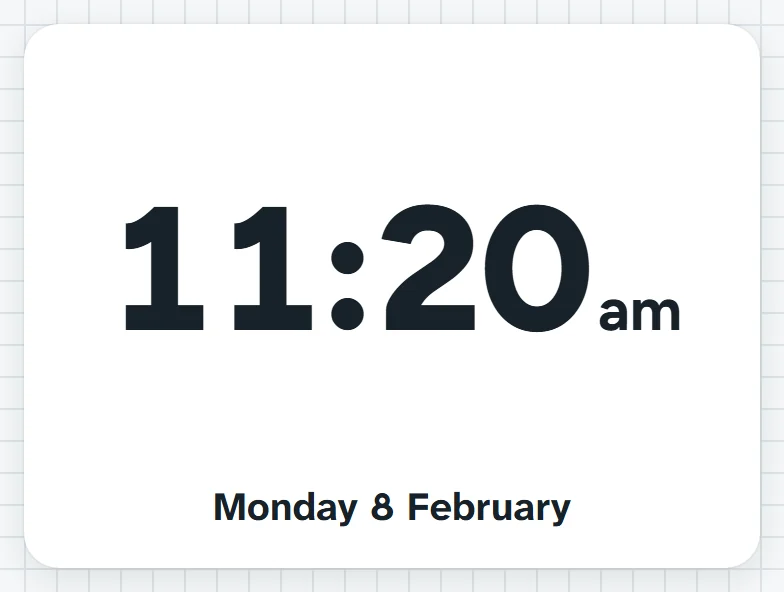
The time and date, big, as digital numbers, an analogue face with hands or a picture face. Add alarms for set times of day, like the end of lunch.
Look at the clock. Recess is when the long hand reaches the ten.What it sounds like in the room
Three ways teachers use it
- Telling the time in Year 2: analogue face up while we practise half past and quarter to.
- Home group: digital time and the date in the corner, so nobody needs a phone out.
- Relief day: an alarm set for five to eleven tells me recess is coming before the bell does.
Before you ask
Do students need a login or a device?
No. It runs on your screen at the front of the room. Students never sign in to anything.
What does it run on?
A web page in Chrome or Edge, on an interactive panel, a projector from your laptop, or a TV on a trolley. There is nothing to install.
Teachers also look for this as: classroom clock, analogue clock for teaching time, digital clock for the classroom screen, clock with alarms for class.