
Classroom noise meter
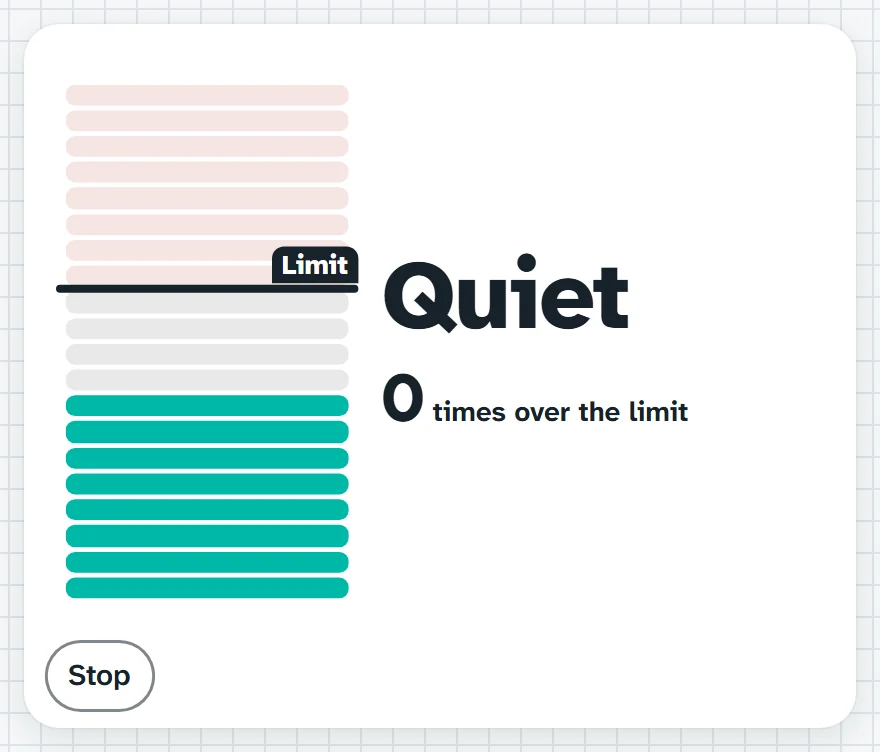
Listens through the computer's microphone and shows how loud the room is as a stack of bars. Drag the line to set your limit and it counts each time the room goes over.
Bars stay under the line while we work. We're on zero so far.What it sounds like in the room
Three ways teachers use it
- Group work in Year 5: set the line at a working hum and let them watch the bars.
- Pack-up: under three times over the limit and the class earns a team point.
- Music or drama: show how loud a rehearsal gets before we talk about dynamics.
Goes well beside
Before you ask
Do students need a login or a device?
No. It runs on your screen at the front of the room. Students never sign in to anything.
What does it run on?
A web page in Chrome or Edge, on an interactive panel, a projector from your laptop, or a TV on a trolley. There is nothing to install.
Teachers also look for this as: classroom noise meter, noise level monitor for class, sound meter for the classroom, too loud meter for kids.