
Picture for the board
Any picture from your computer on the board: drop it on, paste it, or choose the file. It can fit whole or fill the card.
One minute of looking, no talking. Then tell me one thing you notice.What it sounds like in the room
Three ways teachers use it
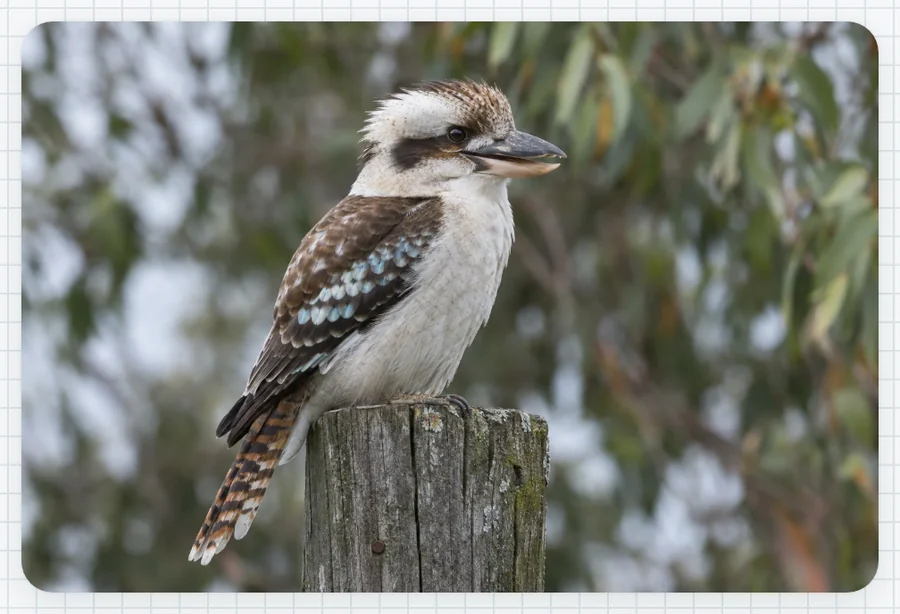
- Year 2 writing: a kookaburra on a fence post as the prompt for describing words.
- Music: the ukulele chord chart up big while they practise C, F and G7.
- Year 9 history: paste in a photo of the source and question it as a class.
Goes well beside
Before you ask
Do students need a login or a device?
No. It runs on your screen at the front of the room. Students never sign in to anything.
What does it run on?
A web page in Chrome or Edge, on an interactive panel, a projector from your laptop, or a TV on a trolley. There is nothing to install.
Teachers also look for this as: show a picture on the classroom screen, picture prompt for writing, display an image on the board, photo for class discussion.