
Quick-fire quiz game
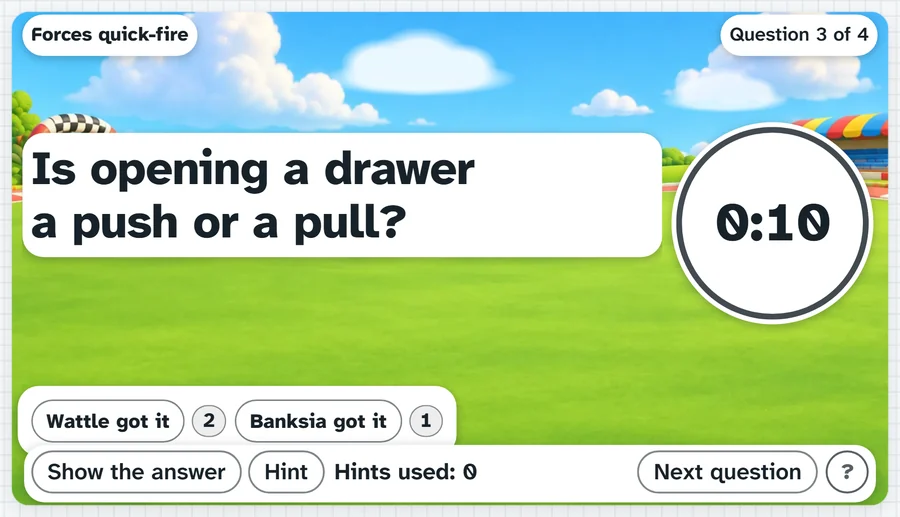
A quick-fire quiz with a countdown beside each question: 10, 20, 30 or 60 seconds. Play as one class or up to four teams, and every team that gets it right scores.
Twenty seconds. Whisper it to your team, don't shout it across the room.What it sounds like in the room
Three ways teachers use it
- Times tables in Year 4: ten questions, twenty seconds each, Wattle against Banksia.
- Year 9 science revision: type your own questions the night before, one per line.
- Last ten minutes of a Friday: Individual mode, one score, the whole class against the clock.
Goes well beside
Before you ask
Do students need a login or a device?
No. It runs on your screen at the front of the room. Students never sign in to anything.
What does it run on?
A web page in Chrome or Edge, on an interactive panel, a projector from your laptop, or a TV on a trolley. There is nothing to install.
Teachers also look for this as: quick-fire quiz game for the classroom, timed quiz game for teams, times tables game on the board, revision game for students.