
Visual timer for kids
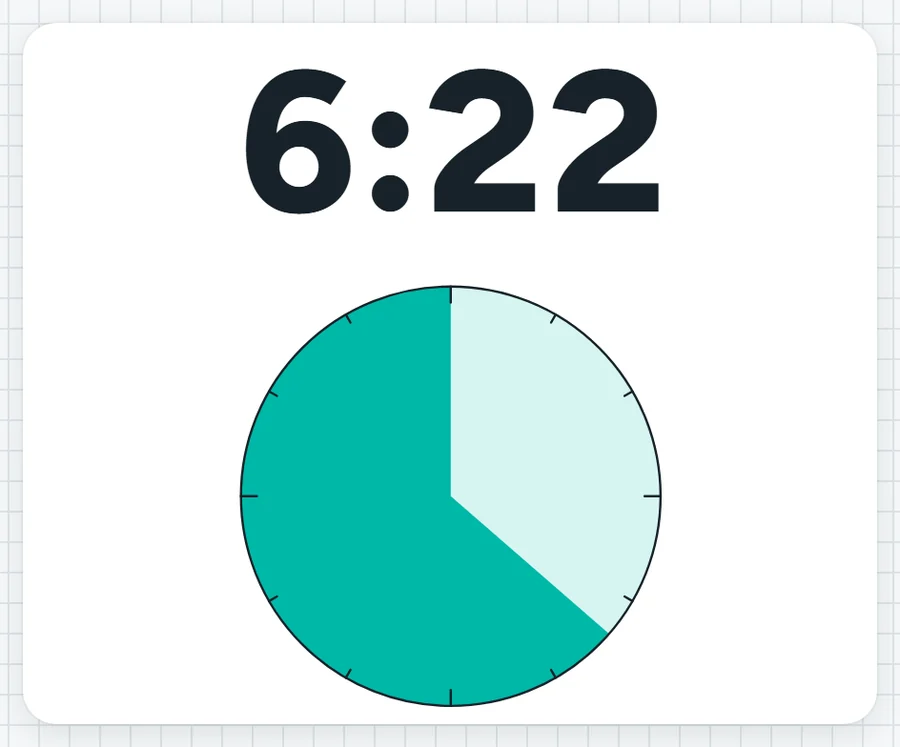
A coloured circle that shrinks as the minutes pass, so children who can't read a clock yet can see how much is left. Numbers can be hidden, and a chime plays at the end.
When the colour is all gone, lunch boxes away and line up at the door.What it sounds like in the room
Three ways teachers use it
- Prep fruit break: ten minutes of pie on the screen while they eat.
- Art room clean-up: five minutes, numbers hidden, brushes washed before the colour runs out.
- Relief day in Year 1: the pie works whether or not they can tell the time yet.
Goes well beside
Before you ask
Do students need a login or a device?
No. It runs on your screen at the front of the room. Students never sign in to anything.
What does it run on?
A web page in Chrome or Edge, on an interactive panel, a projector from your laptop, or a TV on a trolley. There is nothing to install.
Teachers also look for this as: visual timer for kids, visual countdown timer for the classroom, pie timer for the classroom, timer for Prep students.