
Classroom voice level display
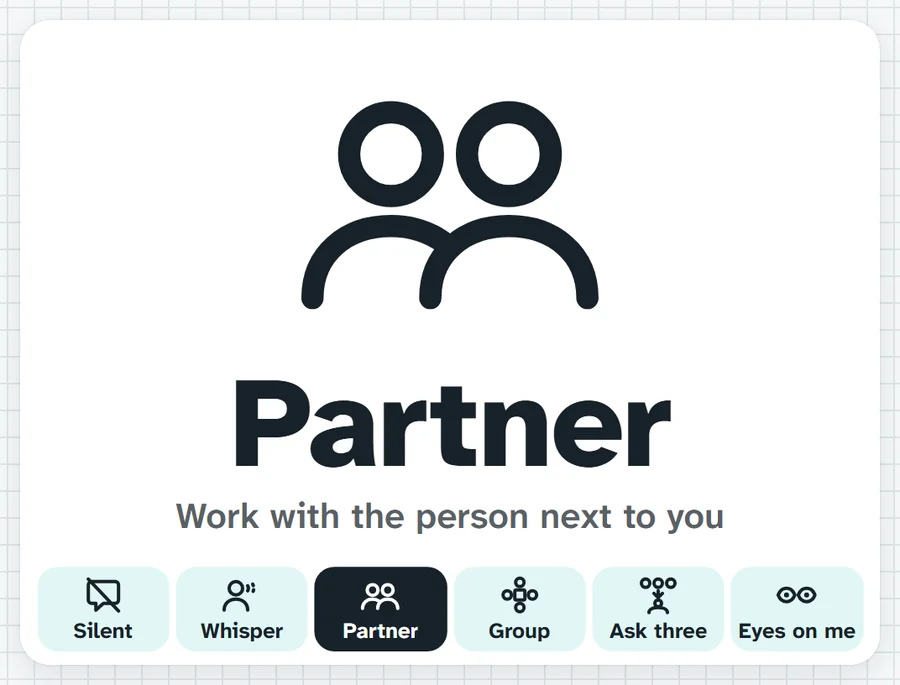
Shows the class how to work right now: Silent, Whisper, Partner, Group, Ask three then me, or Eyes on me. One press changes it, and you can add your own modes with a picture.
Check the board. We're on Whisper, a voice only your partner can hear.What it sounds like in the room
Three ways teachers use it
- Independent writing: Silent goes up and I point at the board instead of repeating myself.
- Year 8 group task: switch from Partner to Group when the pairs join up.
- Transitions in Prep: your own modes, On the floor and Wash hands, each with its picture.
Goes well beside
Before you ask
Do students need a login or a device?
No. It runs on your screen at the front of the room. Students never sign in to anything.
What does it run on?
A web page in Chrome or Edge, on an interactive panel, a projector from your laptop, or a TV on a trolley. There is nothing to install.
Teachers also look for this as: voice level chart, classroom noise level display, working mode display for class, silent work sign.