
Visual timetable for class
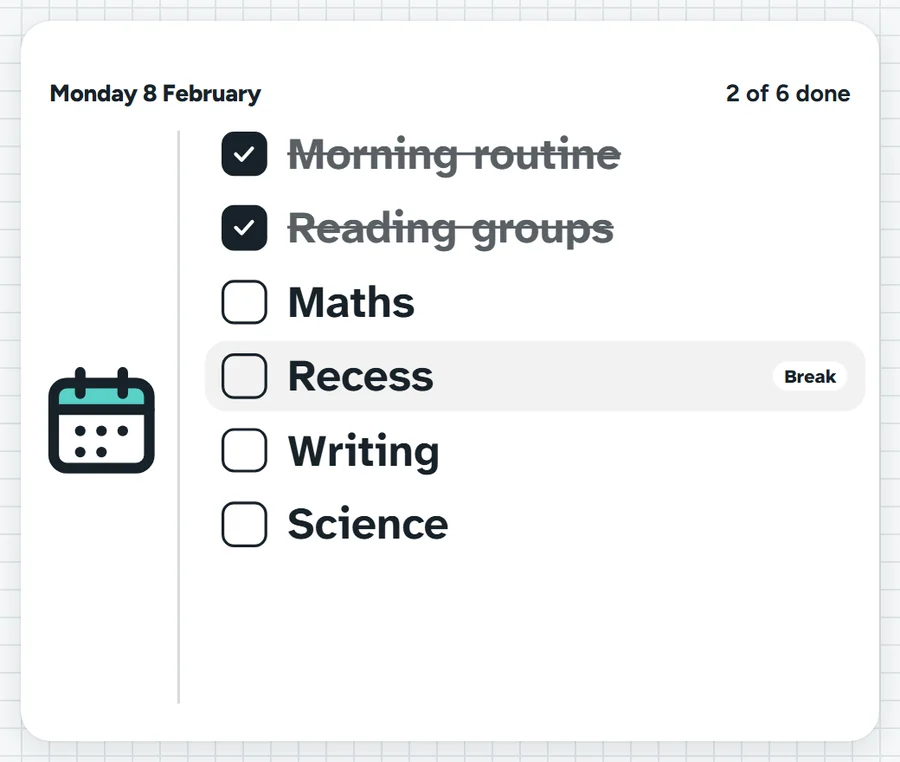
The day or the lesson, one row for each part. Show it as a list, a checklist to tick off, or a timed plan that marks what is on now and what is next.
Two ticks done. Maths is next, then it's recess.What it sounds like in the room
Three ways teachers use it
- Morning mat in Year 1: read the day together, mat time, phonics, fruit break, maths.
- Year 9 maths lesson: do now, worked example, practice, exit ticket, ticked off as we go.
- Relief day: the timed plan shows what is on now and how many minutes until the next lesson.
Before you ask
Do students need a login or a device?
No. It runs on your screen at the front of the room. Students never sign in to anything.
What does it run on?
A web page in Chrome or Edge, on an interactive panel, a projector from your laptop, or a TV on a trolley. There is nothing to install.
Teachers also look for this as: visual timetable for the classroom, daily schedule display, class timetable on screen, lesson checklist for students.